
Legal & Immigration | July 2026 Update

e-OCI Card Launched: How Existing OCI Cardholders Download the Digital Card

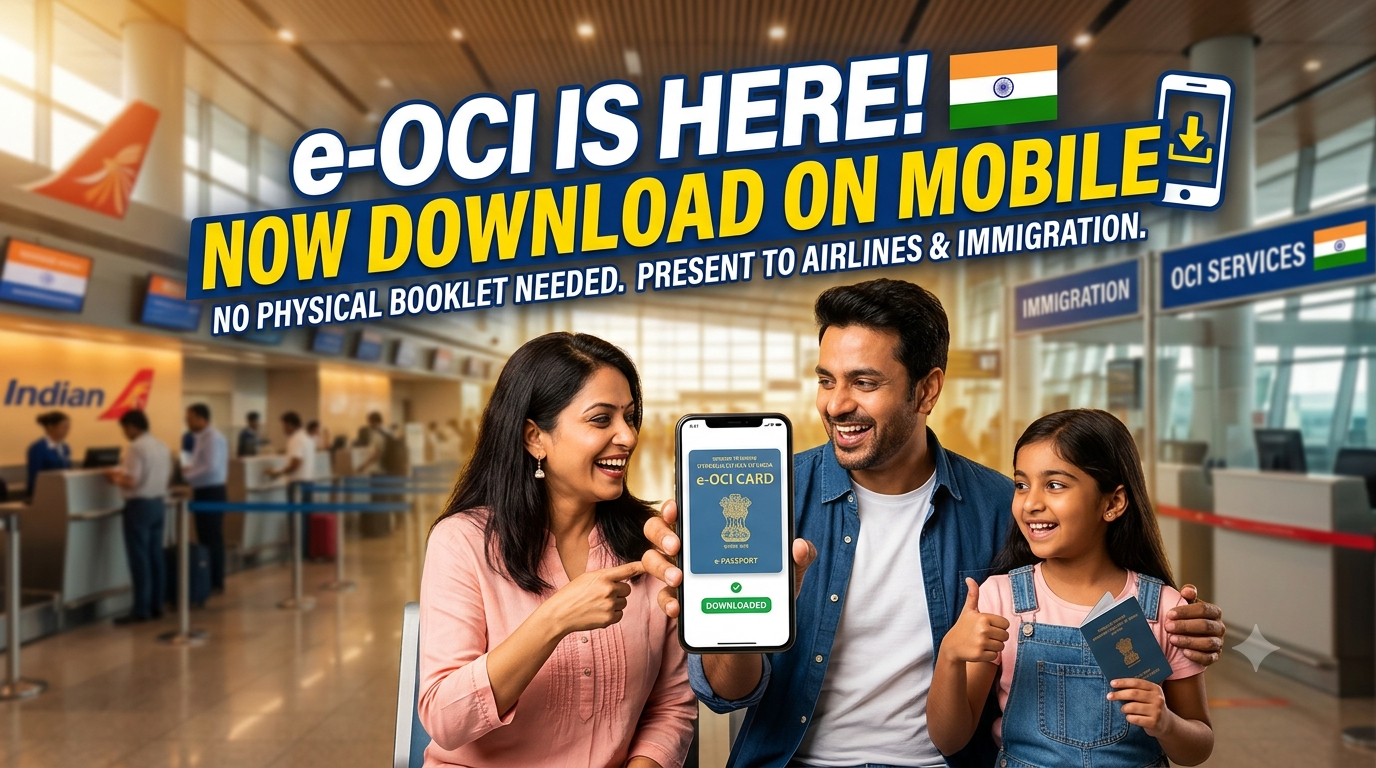
India's Bureau of Immigration launched the electronic OCI card on 1 July 2026. If you already hold OCI, you can generate a digital card on your phone — your physical booklet still counts.

Related free tools: Before you decide, also try NRI compliance compass.

Related planning guides: If this question is part of your broader return plan, also review moving back to India from Canada guide and moving back to India from Germany guide.

What changed on 1 July 2026

The Bureau of Immigration, Government of India, announced that the e-OCI (Electronic OCI Card) is officially live. Existing OCI cardholders can download a digital card on a mobile phone and present it at Immigration Check Posts and to airlines.

You do not have to carry the physical OCI booklet everywhere anymore — though keeping it as backup is still smart for the first few trips.

Official portal: ociservices.gov.in. Background on the OCI scheme: Ministry of External Affairs — OCI.

Who this is for — and who it is not

This launch is for existing OCI cardholders who can log into the OCI Services Portal with the credentials linked to their approved application.

It is not a substitute for:

  • Applying for OCI for the first time
  • Renewing an expired OCI
  • Re-issuance after passport renewal or personal detail changes

Those flows still run through the standard OCI Services application paths on the same portal.

Five steps to download your e-OCI card

  1. Log in to the OCI Services Portal with your existing User ID and password. Not registered? Register using the same email you provided at OCI application time.
  2. On the dashboard, click the e-OCI tab.
  3. Your application details appear. In the last column, click Generate e-OCI Card.
  4. Wait for generation, then download the file.
  5. Save on your phone — offline if possible — for immigration and airline checks.

If Generate e-OCI Card is greyed out or missing, double-check you are on the account tied to your OCI approval email. Portal mismatches are the most common fixable blocker.

Your physical OCI card is still valid

The government explicitly stated that the existing physical OCI card remains valid. e-OCI is convenience, not cancellation of the booklet.

For returnees juggling India entry, parents' visits, and school runs abroad, that matters: you are not forced into a single format overnight.

Practical tips for airports and immigration

  • Keep a downloaded copy that opens without data — PDF or screenshot in your photos app.
  • Carry the physical OCI in your carry-on for the first few international legs after you switch.
  • Match the name and passport number on the digital card to the passport you are traveling on.
  • If you are also sorting PAN, Aadhaar, or bank KYC after return, read our OCI, Aadhaar, and PAN guide for returning families.

Need a new OCI, renewal, or re-issuance?

Downloading e-OCI is step zero for people who already have OCI. If you are applying fresh, replacing a damaged card, or updating after a new passport, you need the full OCI Services application — not just the e-OCI tab.

Families often use a documentation partner for packet prep and status tracking. Desi Return routes OCI application help through Documitra — link in the CTA below.

Related guides

Share this with OCI cardholders in your family chat — especially parents who still carry only the booklet and did not know the digital card exists.

Based on the Bureau of Immigration public announcement of 1 July 2026. Portal steps can change; always confirm on ociservices.gov.in. Not legal advice.

Applying for OCI, renewal, or re-issuance?

e-OCI download is for existing cardholders. If you need a new application or document support, use Desi Return's Documitra partner link.

Get OCI Application Help via Documitra

Open OCI Services Portal

Already have OCI? Use the portal steps above first. Use Documitra when you need filing support for new applications or renewals.